Troubleshooting of HTTP errors
 This article "Troubleshooting of HTTP errors" is still being written. If there are any incomplete parts, you are welcome to directly edit them. 這篇文章「Troubleshooting of HTTP errors」內容還在撰寫中,如果有不完整的部分,歡迎你直接動手修改。 This article "Troubleshooting of HTTP errors" is still being written. If there are any incomplete parts, you are welcome to directly edit them. 這篇文章「Troubleshooting of HTTP errors」內容還在撰寫中,如果有不完整的部分,歡迎你直接動手修改。
|
HTTP status code
400 Bad Request
Root cause of 400 Bad Request. HTTP Error 400. The request is badly formed.
- "the server cannot or will not process the request due to something that is perceived to be a client error (for example, malformed request syntax, invalid request message framing, or deceptive request routing)"
Possible solution:
- Modify the request headers
403 Forbidden Error
404 File Not Found
Solution: Check if the accessed link is correct, see "404 Not Found | Possible solutions for pages not found"
405 Method Not Allowed Error
Solution: Check if the accessed file or resource supports the HTTP protocol being used. For example, if the resource is restricted to POST requests but you're using GET.
414 Request-URI Too Large
Solution: Change the request protocol to POST instead of GET
415 Unsupported Media Type
Solution: "Set the Content-Type or Content-Encoding in the request or direct access to the data." For example: When encountering this error with RESTful API, a possible solution is to add to the HTTP Headers:
Content-Type: application/json
429 Too Many Requests
Cause:
- Accessing website resources too frequently
Solutions:
- Adjust access frequency
- If accessing a web service API, read the documentation to understand the API's rate limits
502 Bad Gateway
Cause:
- Error occurs between network devices, users cannot directly handle it.
Solutions:
- Bypass browser cache, refresh the page
- Try reconnecting after a while
Error 1020: Access Denied
- See link for understanding how to resolve Error 1020 Access Denied to get your website back online
Content-Type: application/json
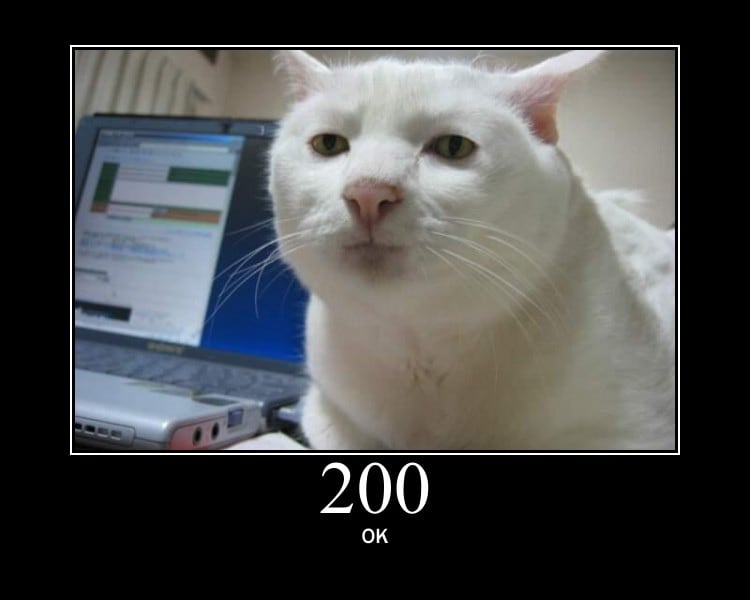 From HTTP Cats
Related websites:
Other possible root causes
- CDN (Content delivery network)
Related pages
References
Troubleshooting of ...
- PHP, cUrl, Python, selenium, HTTP status code errors
- Database: SQL syntax debug, MySQL errors, MySQLTuner errors or PostgreSQL errors
- HTML/Javascript: Troubleshooting of javascript, XPath
- Software: Mediawiki, Docker, FTP problems, online conference software
- Test connectivity for the web service, Web Ping, Network problem, Web user behavior, Web scrape troubleshooting
Template