Troubleshooting of HTTP errors
 This article "Troubleshooting of HTTP errors" is still being written. If there are any incomplete parts, you are welcome to directly edit them. 這篇文章「Troubleshooting of HTTP errors」內容還在撰寫中,如果有不完整的部分,歡迎你直接動手修改。 This article "Troubleshooting of HTTP errors" is still being written. If there are any incomplete parts, you are welcome to directly edit them. 這篇文章「Troubleshooting of HTTP errors」內容還在撰寫中,如果有不完整的部分,歡迎你直接動手修改。
|
HTTP status code
400 Bad Request
Root cause of 400 Bad Request. HTTP Error 400. The request is badly formed.
- "the server cannot or will not process the request due to something that is perceived to be a client error (for example, malformed request syntax, invalid request message framing, or deceptive request routing)"[1]
Possibile solution:
- Modify the request headers
403 Forbidden Error
404 File Not Found
解決方法:檢查存取的連結是否正確,詳見 找不到網頁的可能解決方法
405 Method Not Allowed Error
解決方法:檢查存取的文件或資源支援呼叫使用的 HTTP protocol [2],例如限制使用 POST ,卻使用 GET 存取。
414 Request-URI Too Large
解決方法:請求協議改用 POST 而不是 GET[3]
415 Unsupported Media Type
解決方法:「於請求中設置的 Content-Type 或 Content-Encoding 或對資料的直接訪問」。參考資料:415 Unsupported Media Type - HTTP | MDN
例如:RESTful API 遇到該錯誤,可能解決方式是 HTTP Headers 加入
Content-Type: application/json
429 Too Many Requests
原因:
- 太頻繁存取網站資源
解決方法:
- 調整存取頻率
- 如果是存取網路服務 API,請閱讀文件了解 API 本身的存取頻率限制 (Rate Limits)
參考資料
502 Bad Gateway
原因:
- 因為是網路設備間發生錯誤,使用者並無法直接處理[4]。
解決方法:
- 繞過瀏覽器快取,瀏覽器重新整理頁面
- 過一陣子再重新連線
參考資料
Error 1020: Access Denied
Content-Type: application/json
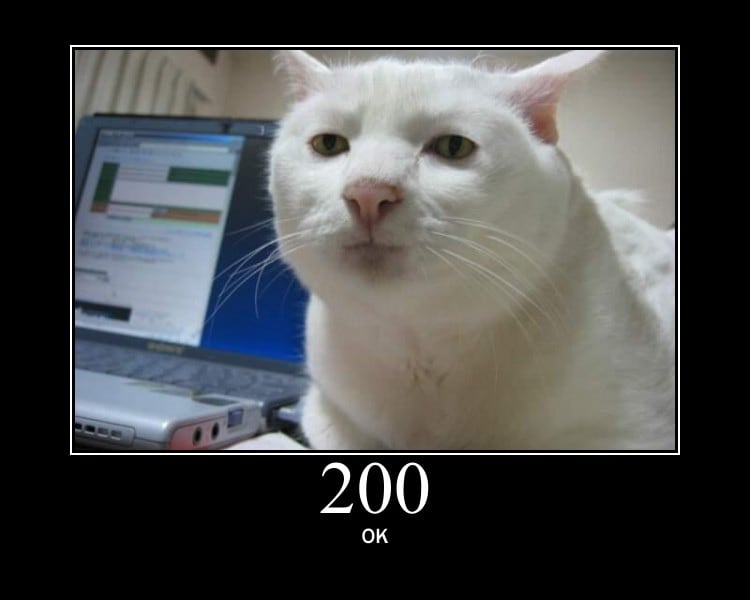
- From HTTP Cats
Related websites
Other possibile root cause
- CDN (Content delivery network)
Related pages
References
Troubleshooting of ...
- PHP, cUrl, Python, selenium, HTTP status code errors
- Database: SQL syntax debug, MySQL errors, MySQLTuner errors or PostgreSQL errors
- HTML/Javascript: Troubleshooting of javascript, XPath
- Software: Mediawiki, Docker, FTP problems, online conference software
- Test connectivity for the web service, Web Ping, Network problem, Web user behavior, Web scrape troubleshooting
Template